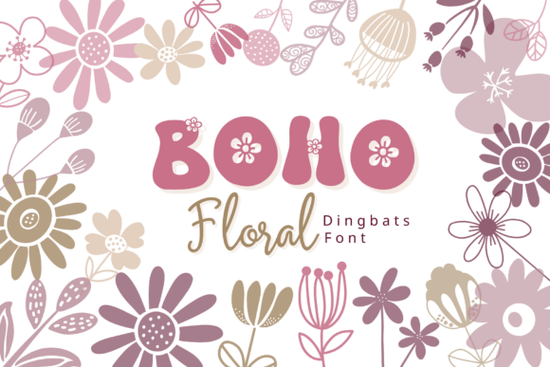
If you're looking for a simple way to add soft, hand-drawn floral details to your designs without spending time drawing or editing vectors, the Boho Floral Font could be just what you need. This dingbat font features a collection of delicate flower illustrations that appear when you type any letter or number A through Z, a through z, and 0 to 9. Each character is mapped to a unique botanical element, so typing “B” gives you a blooming daisy, “F” becomes a wildflower stem, and “7” turns into a leafy sprig.
How does the Boho Floral Font work?
The beauty of this font lies in its simplicity. You don’t need to open vector software or trace images. Just install the font on your computer (available in OTF and TTF formats), open your design tool whether it’s Canva, Adobe Illustrator, Photoshop, or Affinity Designer and start typing. The result? Instant, ready-to-use floral graphics that match your creative vision.
It’s especially helpful if you’re working on projects with a nature-inspired or bohemian feel. The linework is clean but slightly imperfect just enough to give it that handmade charm. The color palette leans into earthy tones: soft greens, warm creams, gentle pinks, and muted lavenders. These colors work well across both digital and print formats.
What can I use this font for?
This isn’t just a pretty decoration it’s a practical tool for real projects. Here are some common uses:
- Wedding invitations and save-the-date cards – Add floral accents to names, dates, or borders without extra effort.
- Branding and logos – Use the glyphs to create unique icons or embellish text elements in your business identity.
- Print-on-demand products – Ideal for t-shirts, mugs, stickers, and notebooks where small, repeated patterns matter.
- Planners and journals – Decorate weekly layouts, section dividers, or checklists with whimsical flowers.
- Social media graphics – Quickly make Instagram posts, story templates, or Pinterest pins with a cozy, feminine vibe.
Why designers love this style
There’s something comforting about organic shapes and soft lines. They feel more personal than geometric or overly polished designs. The Boho Floral Font fits perfectly into that aesthetic especially if you’re drawn to cottagecore, minimalist nature themes, or free-spirited branding.
Because every glyph is carefully crafted to maintain visual balance, even when used in groups, you can create seamless patterns or borders without worrying about awkward spacing or mismatched styles. It’s also great for layered compositions: combine a few floral characters with plain text to create depth and interest.
Is it easy to use across different platforms?
Yes. As long as your software supports custom fonts, you can use this one. Most modern design tools including Canva, Procreate, and even Microsoft Word work with OTF and TTF files. No special plugins or skills needed.
One thing to keep in mind: since each character maps to a specific illustration, avoid using it in contexts where readability matters. For example, don’t use it for body text in brochures or flyers. Instead, reserve it for decorative elements, headers, or background flourishes.
Boho Floral Font is available through Creative Fabrica, where you can find similar assets in the same category. If you’ve enjoyed this type of design, exploring other fonts in the boho-style dingbat collection might inspire your next project.Final thoughts and next steps
If you're someone who values efficiency and charm in design, this font offers a fast path to adding personality to your work. It’s not flashy, but it’s thoughtful perfect for creators who want their projects to feel authentic and handmade.
Before you go, here’s a quick checklist to help you get started:
- Download the Boho Floral Font from Creative Fabrica.
- Install it on your device (OTF/TTF files are standard).
- Open your favorite design app and try typing letters A–Z and numbers 0–9.
- Experiment with size, color, and layering to see how the glyphs interact.
- Save your favorite combinations as templates for future use.
Once you’ve played around with it a bit, you’ll likely find yourself reaching for this font again and again especially when you want to bring a little quiet magic into your designs.
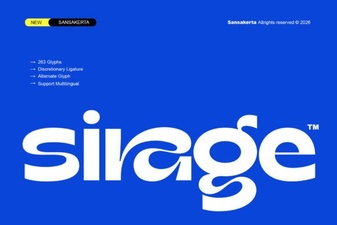 Sirage Font: Elegant Typography for Creative Projects
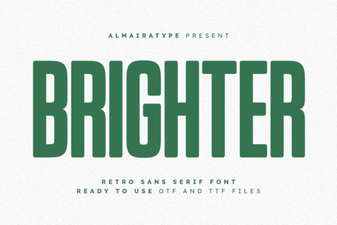 Brighter Font: Modern Typography for Creative Projects
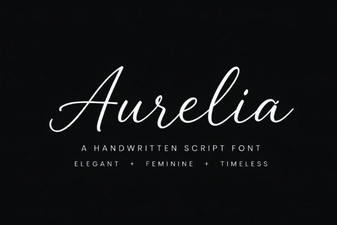 Elegant Aurelia Font for Stunning Design Projects
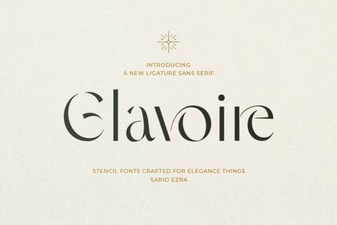 Glavoire Font: Elegant Typography for Creative Projects
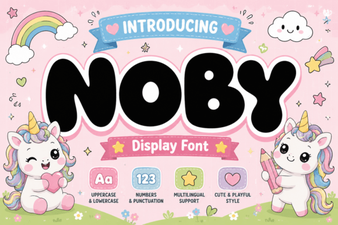 Noby Font: Elegant Typography for Creative Projects
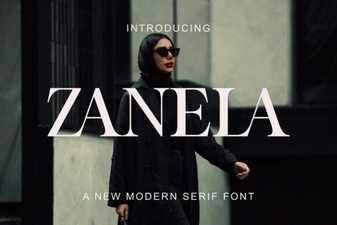 Zanela Font: Elegant Typography for Creative Projects